
Vantyx
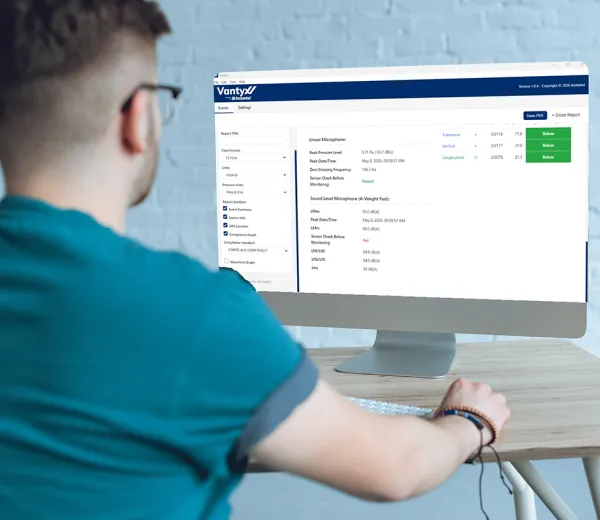
Vantyx provides an independent, offline method of accessing Micromate Plus event data, helping ensure that customers retain local access to their monitoring information regardless of internet or cloud connectivity. Purpose-built for straightforward event viewing, Vantyx focuses on the essential tools needed to access and review Micromate Plus monitoring data on a PC. This desktop application complements Vision II, giving you and your stakeholders convenient access to key event information. It is ideal for remote locations and other situations where internet access is unavailable or undesired.

Features

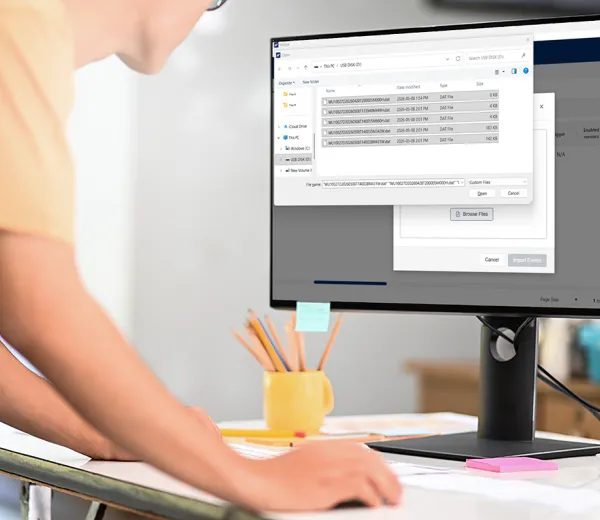
Download events from the Micromate Plus onto a USB-C, and then upload those files onto Vantyx for further analysis.

Access event information where internet access is unavailable or undesired.

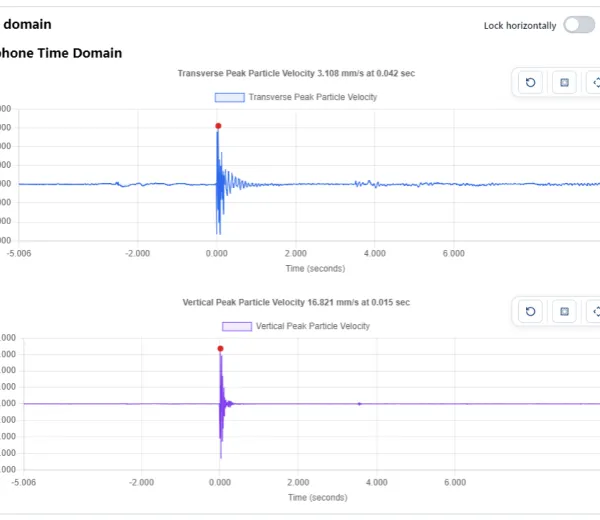
Check compliance indicators, then explore signals in detail. Pan and zoom to examine points of interest in individual channels or across all channels together. Hover over signals to view precise readings.

Export reports and data for stakeholders and third-party tools in PDF, JSON, or CSV format, while retaining the original .DAT binary for traceability concerns.

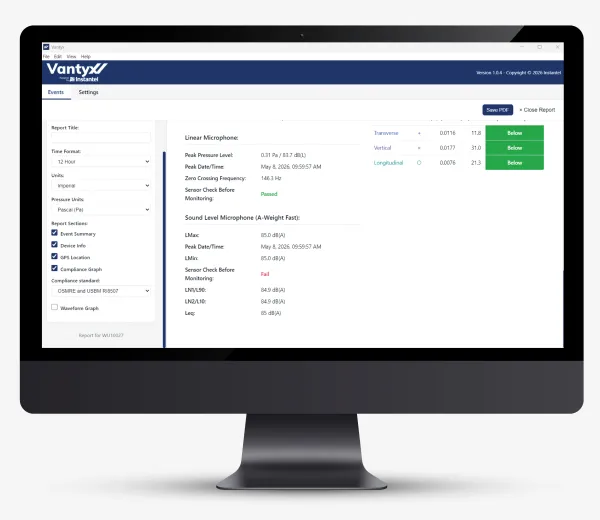
Tailor reports and table views to your workflow, then use the built-in sorting and filtering tools tailored to each field's data type.
Access familiar reporting options, including selectable compliance standards, Zero Crossing or FFT plots, and metric or imperial units. Choose which report sections to display, including Event Summary, GPS Location, Notes, and Ponderated Peaks.
Specifications
| Item | Description |
| Operating System | Microsoft Windows 11, 64-bit (x64) |
| Processor | 64-bit (x64) processor, dual-core 2 GHz or faster recommended |
| Memory | 8 GB RAM recommended |
| Disk Space | About 500 MB for the application, plus space for your imported event files |
| Display | 1,280 x 800 or higher resolution. The Vantyx window is at least 1,200 pixels wide. |
| Internet Connection | Only needed to download Vantyx and to receive updates. Not needed to view or report on events. |
| Permissions | A standard Windows user account. Administrator rights are needed only if you install Vantyx into a protected folder. |
| Event Files | A way to copy event files from your Micromate Plus unit to the computer, such as the unit's USB-C connection. |