Research
Instantel has a set of specialized sensors and performance software, ideal for performing research and vibration analysis.
Why Research is Important
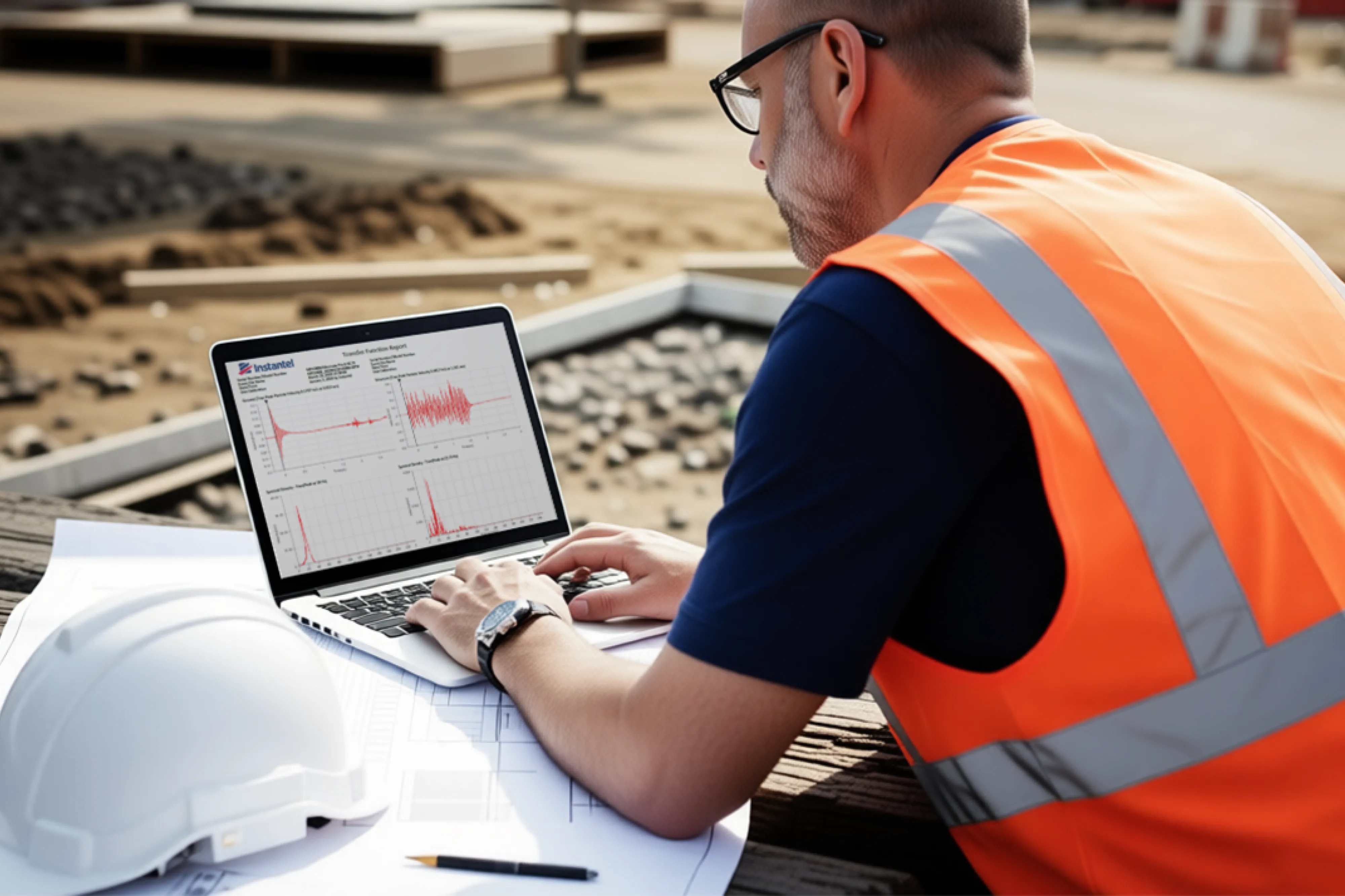
Understanding how operations affect structural response and human exposure is just as important as measuring ground or airblast vibrations alone. Regulatory bodies have established clear limits to control the impact of activities such as blasting on nearby structures, the environment, and occupants. The ability to monitor and analyze these effects using the same equipment deployed for vibration monitoring streamlines field operations, improves data consistency, and reduces both time and cost.
How Instantel Can Help
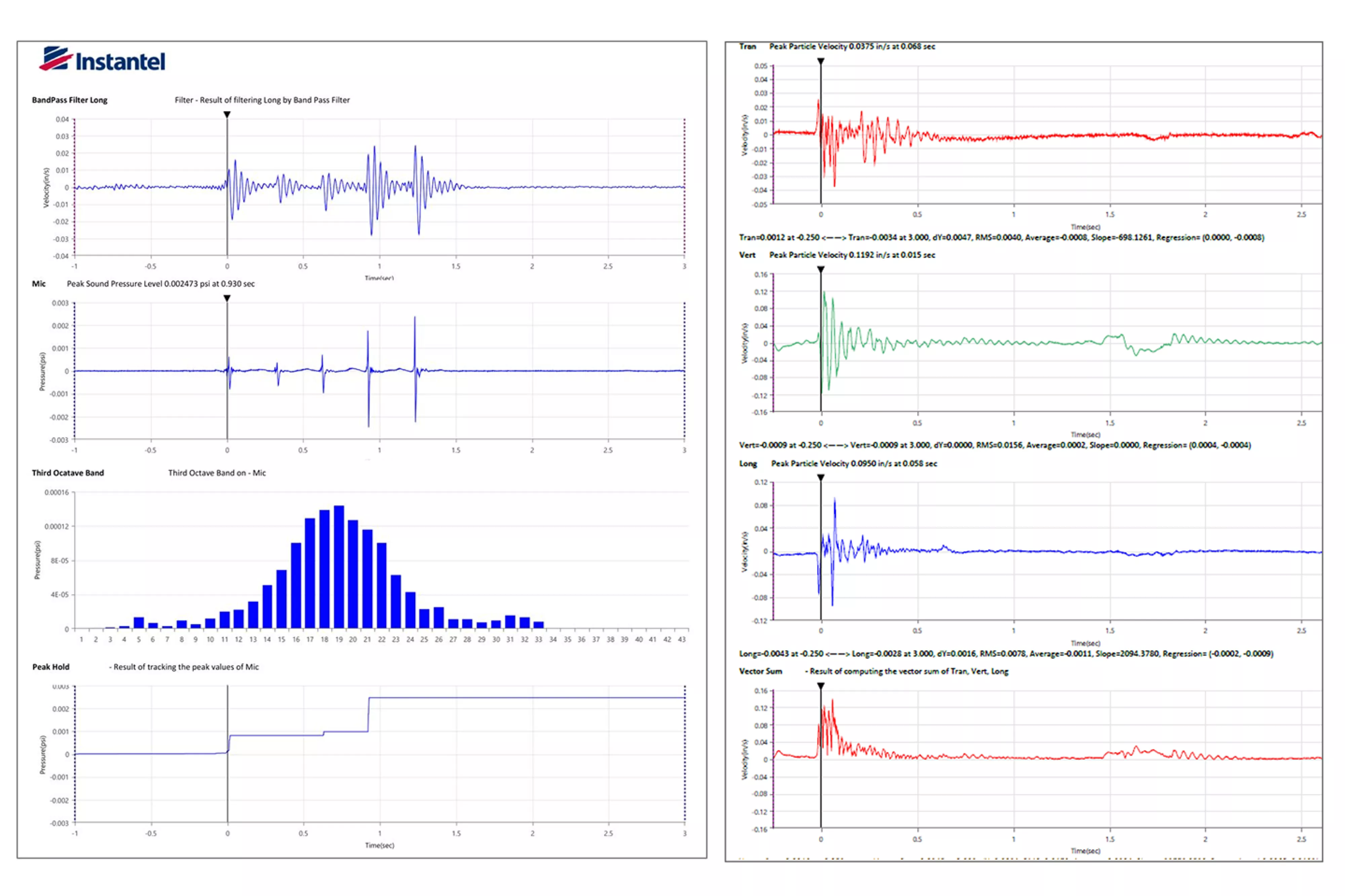
Instantel THOR Advanced software and Minimate Pro advanced sensors offer advanced monitoring operations to perform various research functions. With THOR Advance, you can transform event data without altering the original event file. Convert waveform data between velocity, acceleration, and displacement. Data can be filtered, truncated, frequency weighted, displayed in third octave bands, and more. Playback sound clips or perform signature hole analysis with one device.
Transfer Function Example
Transfer Function—The Transfer Function Tool calculates the structural response based on a comparison of waveforms recorded inside and simultaneously outside the structure. The 6-channel Minimate Pro6 can connect 2 triaxial geophones to perform the Transfer Function. (Alternatively, two Micromate units or two Minimate Pro4 units can be synchronized in time, and their event data imported into THOR for Transfer function analysis.) One geophone is placed at the exterior of a building (Ground Channel) while the other geophone is placed inside the building (this becomes the Structure Channel). Both geophones record the triaxial response during an event. The transfer function will then compare one axis on one geophone to the same axis on the second geophone. The resulting graph is the frequency response of the building or otherwise known as the Transfer Function.
Human Exposure—Use this function to calculate frequency-weighted Vibration Dose Value (VDV) and Root Mean Square (RMS) to help understand the effects of different frequencies on people nearby. A triaxial geophone is placed on the structural surface as close to where the vibration is perceived, and the individual is exposed. This geophone becomes the Exposure Channel and records the triaxial response during the event, so the device can record events and the software can apply the required frequency weighting and compute VDV/RMS.
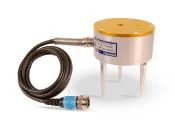
| 
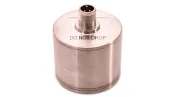
| 
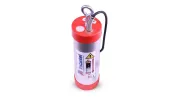
| 
|
Minimate Pro6 with Two Geophones | High-Frequency Triaxial Geophone | Accelerometers | High-Frequency Triaxial Borehole Geophone |
Six-channel data logger connects with two triaxial geophones to perform the Transfer Function | High-frequency 30-1000 Hz geophone for near-field monitoring with a range of up to 2540 mm/s. | Three options - 50g, 500g, and 0.5g. Ideal for measuring near-field blasting or low frequencies and accelerations for sensitive applications. | High-frequency 30-1000 Hz geophone for near-field monitoring complete with 30m cable. |
| Learn more about the Minimate Pro series and its Advanced Sensors. | |||
Connecting with Instantel Software Systems

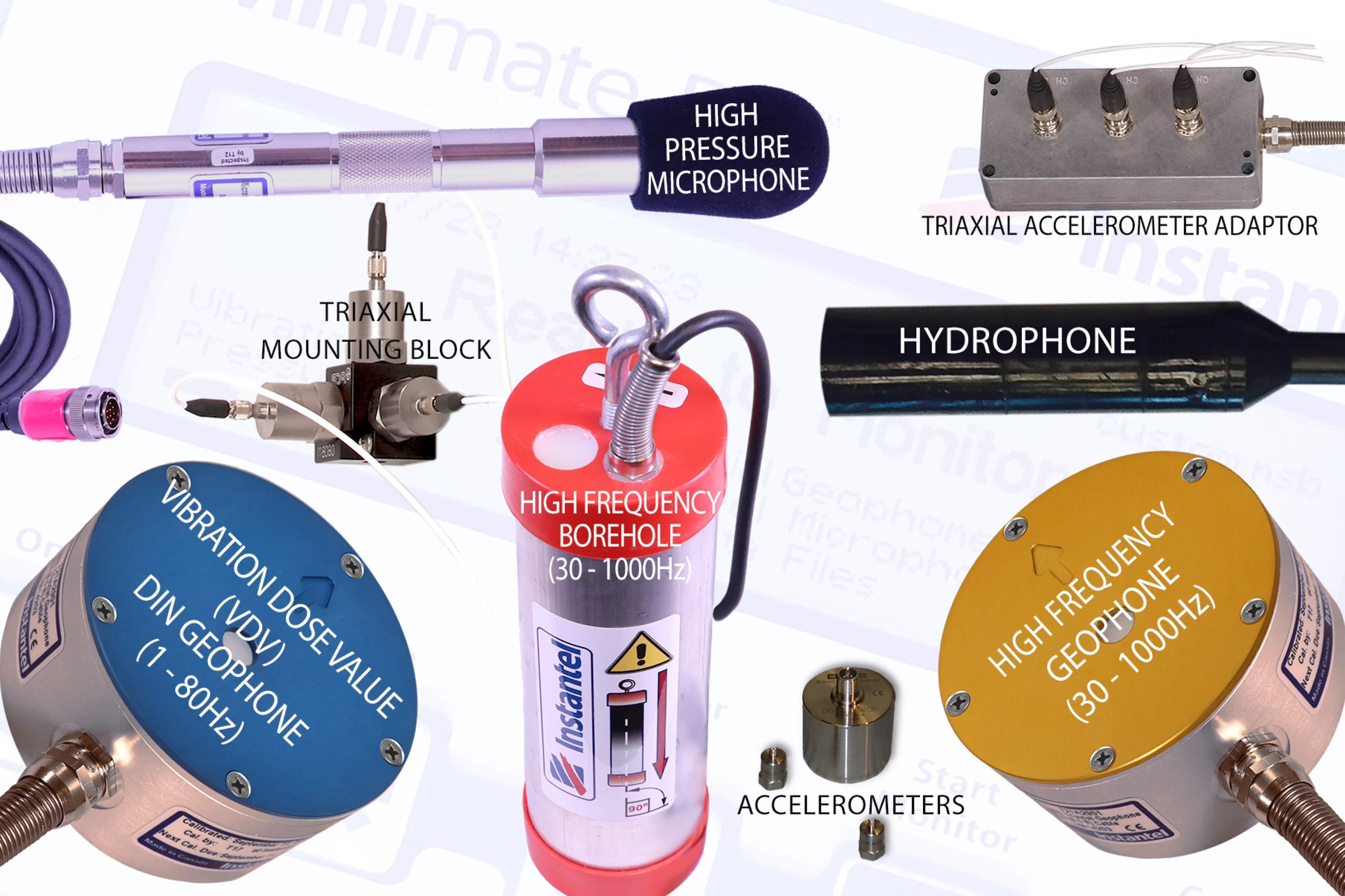
The THOR Advanced software system offers a full range of operations to perform various research operations. With uploaded event data, a variety of detailed reports can be created. With THOR Advanced, you also benefit from specialized sensors and enhanced performance of standard sensors with sample rates up to 65,536 samples per second.
- High Frequency Triaxial Geophone (30 -1000 Hz)
- High Frequency Triaxial Borehole Geophone (30-1000 Hz)
- Hydrophone (8-500 Hz, up to 324 kPa, 47 psi)
- High-Pressure Microphone (up to 69 kPa, 10 psi)
- Accelerometers:
- 0.5 g (0.5 - 500 Hz)
- 50 g (1 - 3,000 Hz)
- 500 g (1 - 3,000 Hz)
Other operations THOR can perform on event data:
| Operation | Description |
|---|---|
| Add | This operation adds two waveforms together in one Event. |
| Create Waveform | With this operation, you can enter amplitudes and frequencies of one or more sinusoidal waveforms, which are then combined to create a complex waveform. |
| Differentiate | This operation differentiates a velocity waveform to obtain the acceleration values along the waveform. |
| Fast Fourier Transformation (FTT) | use the Fast Fourier Transform (FTT) operation when you want to break down a complex time-domain waveform into its individual frequency domain components. |
| Filter | The Filter operation can perform a series of functions to condition waveforms. The Low Pass, High Pass, and Bandwidth Pass perform filtering on waveform data in the frequency domain. |
| Human Exposure | Use this operation to calculate frequency-weighted Vibration Dosage Value (VDV) and Root Mean Square (RMS). This operation helps understand the effects of different frequencies on people nearby. |
| Integrate | This operation integrates a velocity waveform to obtain displacement values along the waveform. |
| Interval Analysis | This operation produces a color plot with the frequency displayed on the x-axis, delay interval on the y-axis, and a measure of the energy content (y-axis value of a standard FTT plot) represented using different color bands. |
| Linear Super Position | Use this operation to shift and superimpose a source waveform event linearly. This operation applies the timeline file you select to the source file to produce a simulated waveform. |
| Octave Data Conversion | Use this operation for advanced waveforms, to calculate the Root Mean Square (RMS) of a channel, with or without conversion to dB. This operation shows the frequency weighted values from an unfiltered event. |
| Peak Hold | The Peak Hold command allows you to remove negative excursions from waveforms. Use this operation to shoe the maximum amplitude of a waveform. This operation holds the channel peaks steadily until the next peak. |
| Remove Offset | Use this operation to remove the offset from a waveform centering in on the X-axis. |
| Scale | This operation changes the measurement units and offset value for a waveform. Use this operation to scale a waveform up or down, depending on the scale factor you select. |
| Shift | This command shifts the currently selected waveform forward or backward on the time axis. The waveform's absolute time does not change. This changes the waveform's trigger offset. |
| Signature Hole | Signature Hole Analysis Operation is used to create and analyze theoretical blast vibration data based on your input range of blast timing parameters and a Signature Hole Waveform. |
| Smooth | The Smooth operation is used to average consecutive data points of a waveform. |
| Sound Calculations | Use this operation to recalculate channel data using sound specific criterion. |
| Subtract | Use this operation to subtract two waveforms. |
| Third Octave Band | The Third Octave is a frequency band tool that has a width that is only 1/3 of the width of an octave, displayed in Hz. |
| Timeline Overlay | Use this operation to show the blast timing on a waveform. This operation applies the timeline file you select to the channel. |
| Truncate | This command truncates a waveform by removing unwanted sections. |
| Vector Sum | The Vector Sum operation performs a point by point vector addition of selected waveforms. Vector sums can be calculated by two or three waveforms. |